Edit FiveM cars in your browser
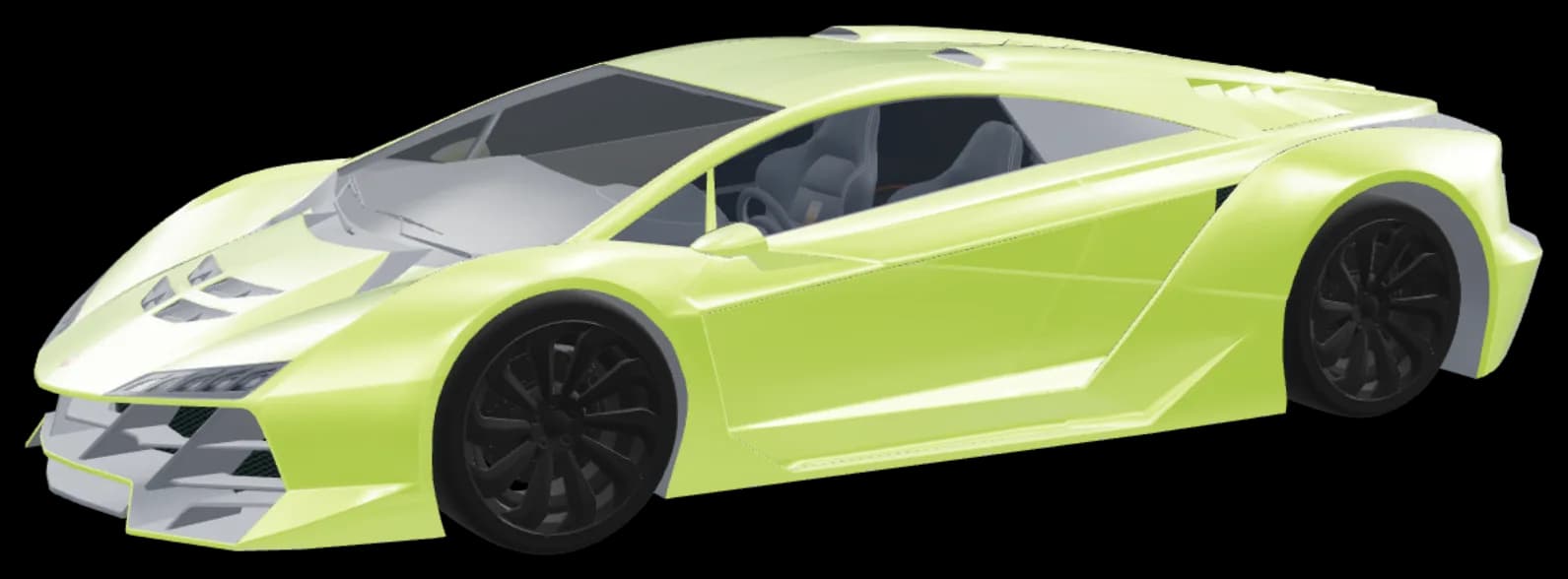
Open the car’s files, change seats, rims, windows and emergency lights, and export a finished resource for your server.
The car, part by part
Pick a part to see how the editor shows it. The pictures come from the editor’s own 3D view.
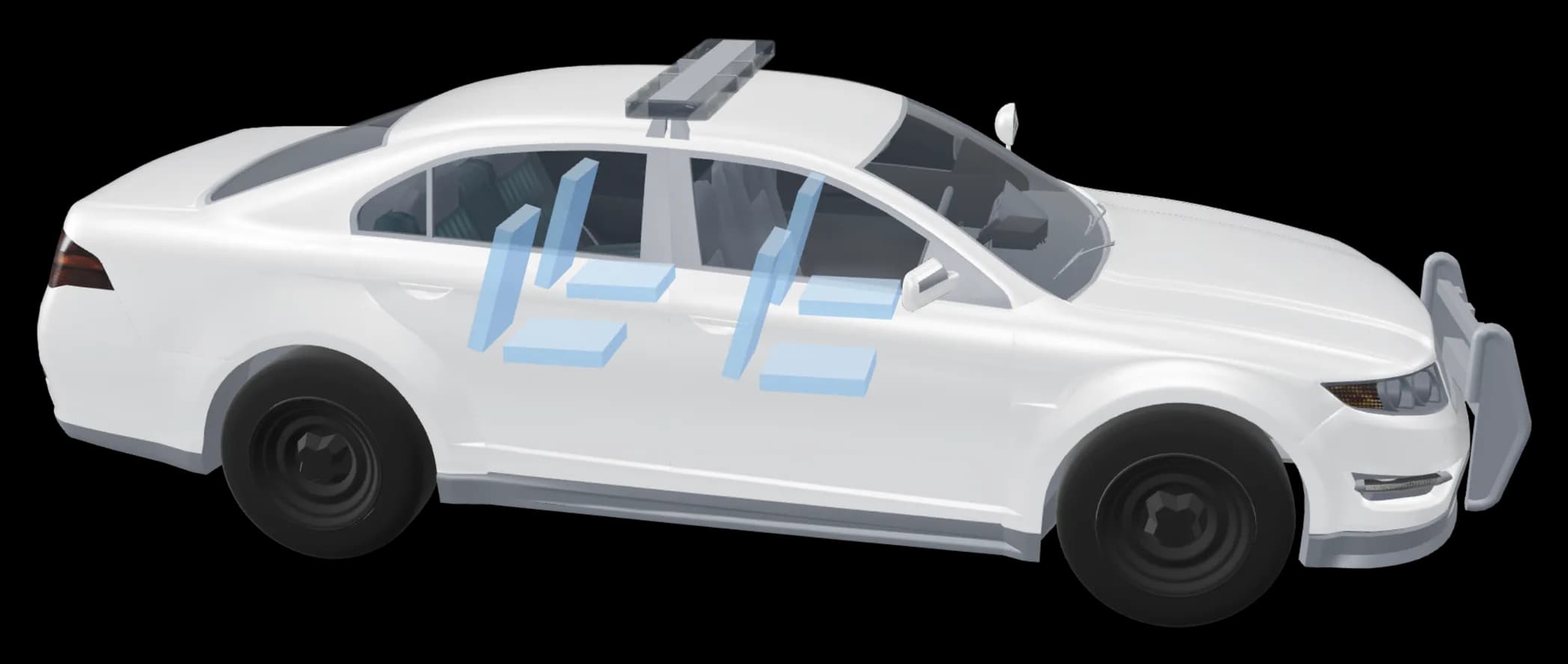
Seats
Move, remove or add seats. The seat layout is fixed automatically, so other players still see the car.
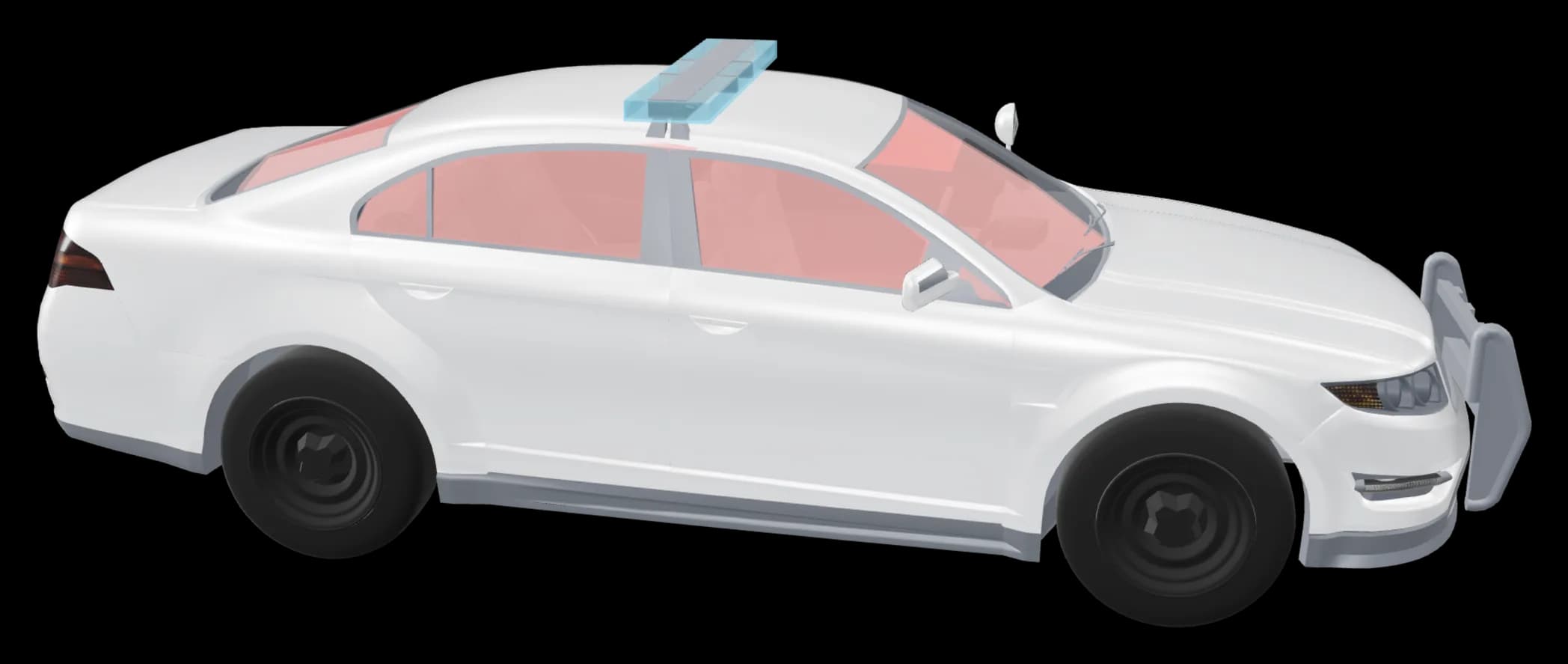
Bulletproof windows
Turn bulletproof glass on or off. ModFiveM switches the windows’ collision material, as the game’s own armoured cars have it.
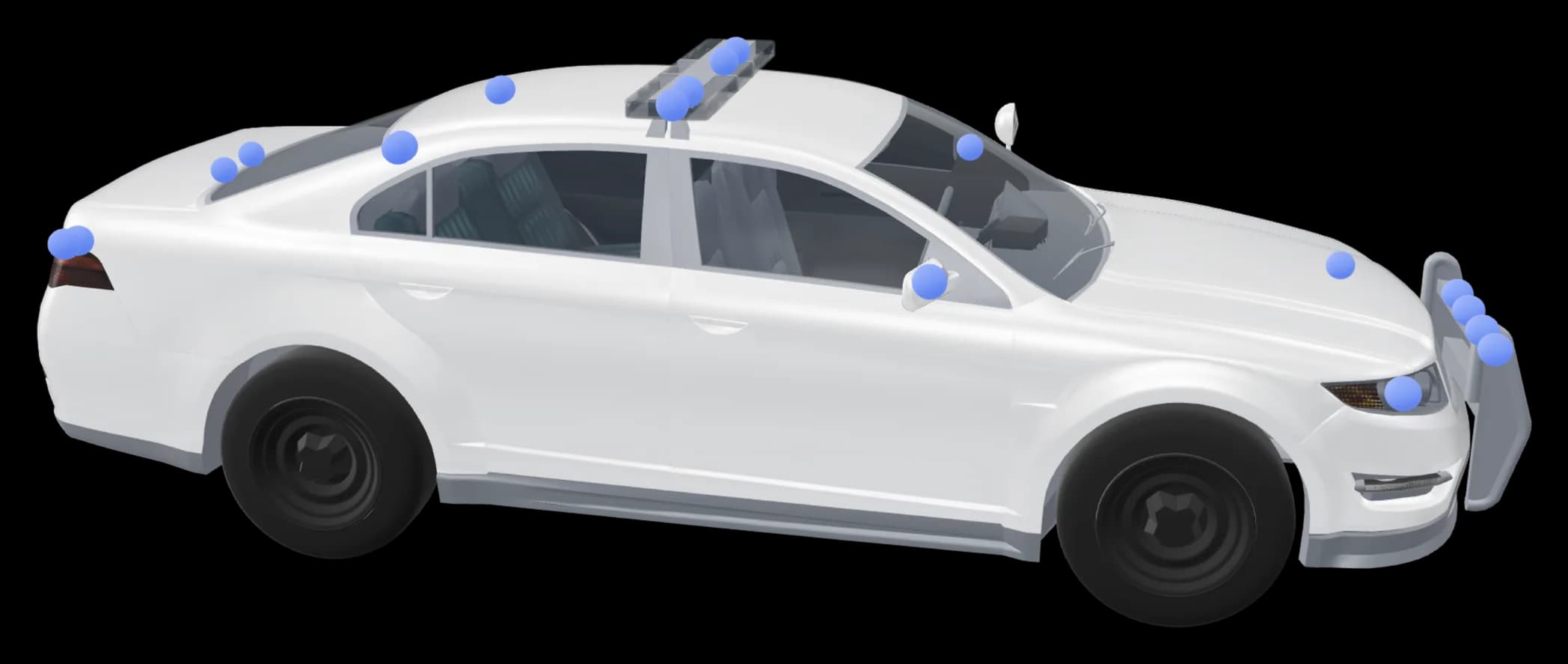
Sirens and emergency lights
Pick a preset for the lights and get a siren ID that is free, so no other car’s lights break.
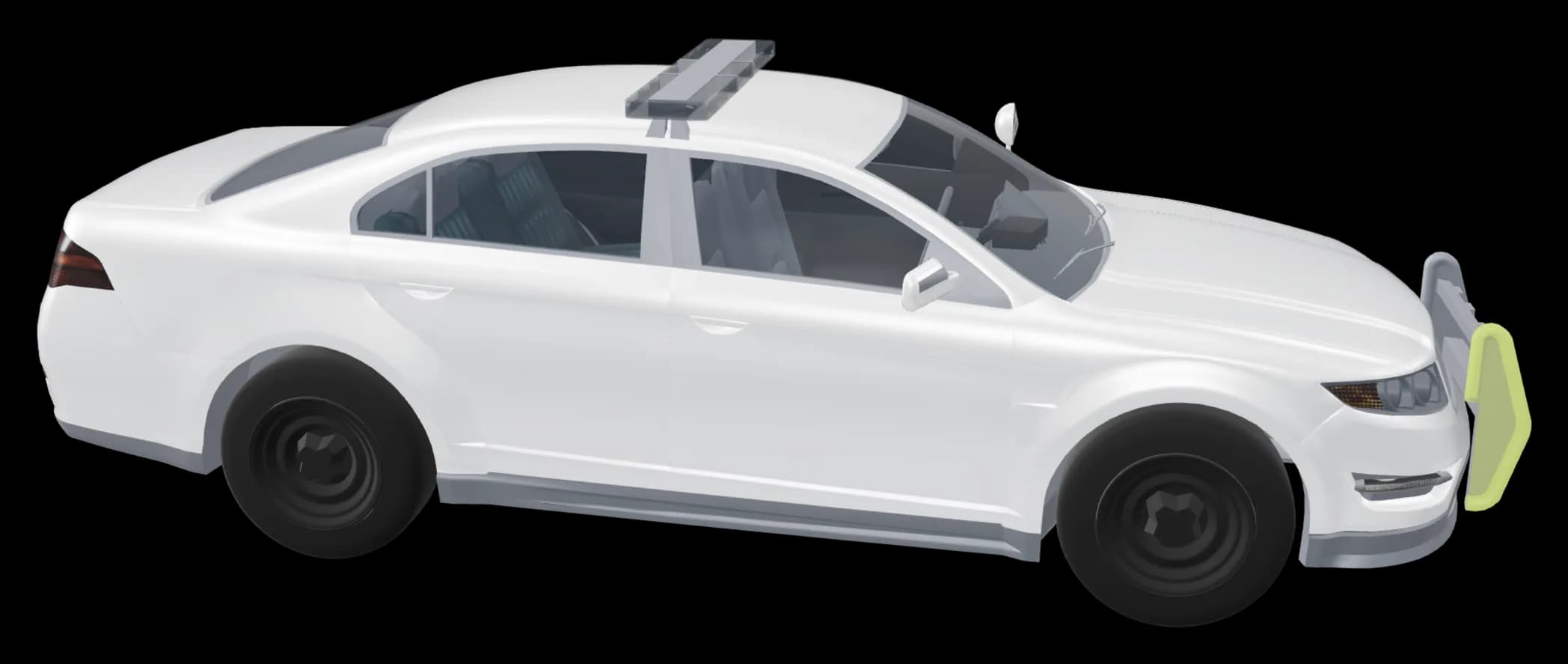
Colour and draw
Select one or more parts and give them another colour, a black badge for example. Or draw straight on the texture in the texture editor.
How it works
Open the car
Drop the car’s folder on the editor, or pick its .yft, _hi.yft and .ytd files and the meta files. The car shows in 3D.
[cars]/polcruiser7 files found- polcruiser.yftModel
- polcruiser_hi.yftModel up close
- polcruiser.ytdTextures
- vehicles.metaMeta
- carcols.metaMeta
Read on this computer. Nothing is uploaded.Change what you want
Pick what to change in the menu on the left: seats, wheels, windows, badges, sirens and more. Undo with Ctrl+Z.
- Seats
- Wheels and rims
- Windows
- Sirens
PresetBlue and redAll blueAmberLights- 1
- 2
- 3
- 4
- 5
- 6
- 7
- 8
Siren ID187FreeExport to FiveM
You get a ZIP with fxmanifest.lua, the meta files and the stream folder. Put the folder in resources and start it with ensure.
polcruiser.zip / fxmanifest.luaReady for FiveM-- Made with ModFiveMfx_version 'cerulean'game 'gta5'files { 'data/handling.meta', 'data/vehicles.meta', 'data/carcols.meta', 'data/carvariations.meta', 'data/vehiclelayouts.meta',}data_file 'VEHICLE_LAYOUTS_FILE' 'data/vehiclelayouts.meta'data_file 'HANDLING_FILE' 'data/handling.meta'data_file 'VEHICLE_METADATA_FILE' 'data/vehicles.meta'data_file 'CARCOLS_FILE' 'data/carcols.meta'data_file 'VEHICLE_VARIATION_FILE' 'data/carvariations.meta'
The whole editor in your browser
The menu on the left, the settings in the middle and the car in 3D on the right. Nothing to install.
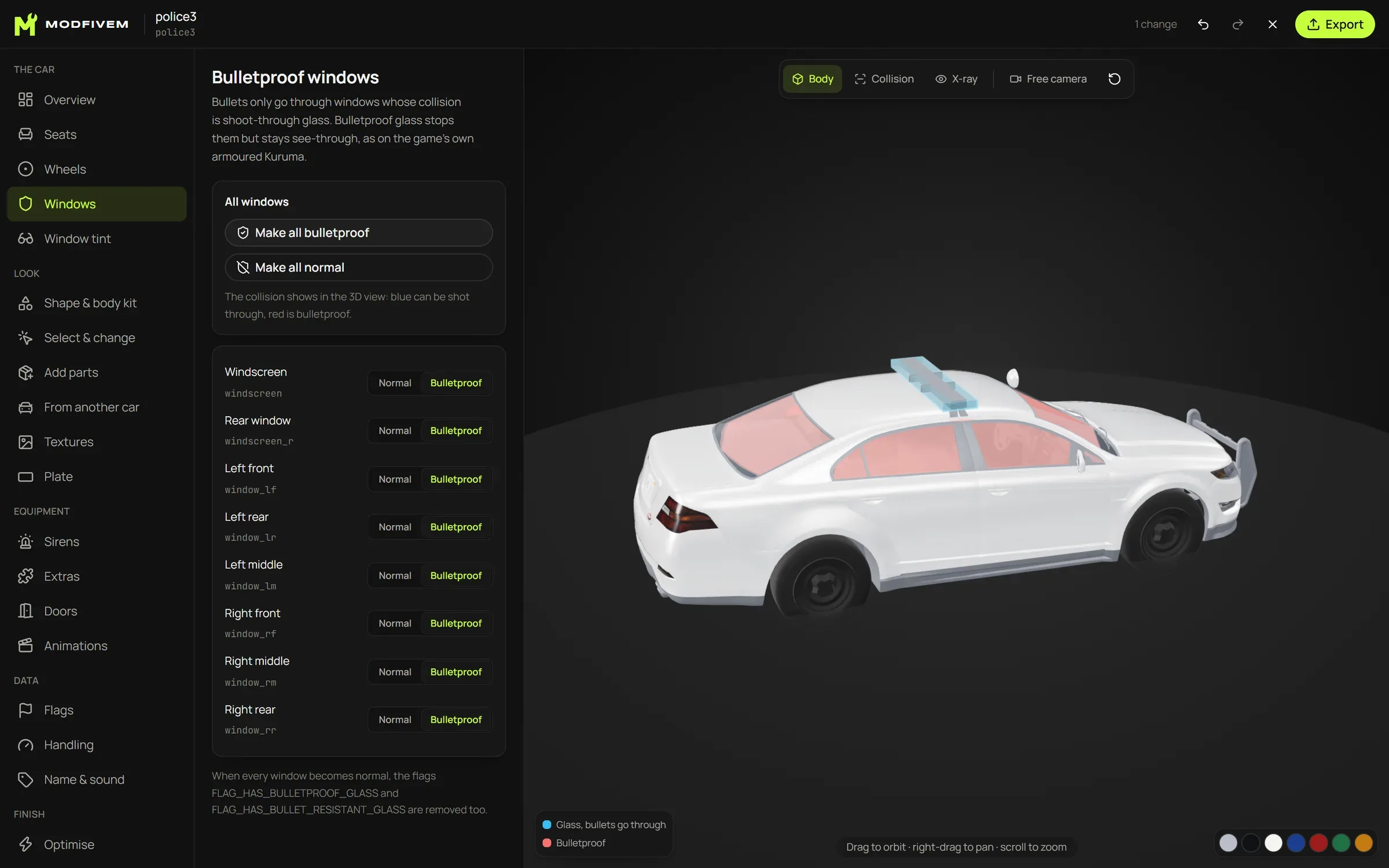
What you can change
ModFiveM rewrites every file a change touches, so you do not have to edit meta files by hand.
The car
Seats
Move, remove or add seats. The seat layout is fixed automatically, so other players still see the car.
Wheels and rims
Swap the rims, and the new wheel is fitted to the old one’s size and place, the right way round on both sides.
Bulletproof windows
Turn bulletproof glass on or off. ModFiveM switches the windows’ collision material, as the game’s own armoured cars have it.
Equipment
Sirens and emergency lights
Pick a preset for the lights and get a siren ID that is free, so no other car’s lights break.
Extras
Remove extras, make them always on, or add new ones from the library, a 3D model or another car.
Look
Wings and body kits
Pick a style (street, track, drift, rally, off-road) and a splitter, skirts, arches and a wing go on, fitted to that car’s shape. Or add the parts one at a time.
Colour and draw
Select one or more parts and give them another colour, a black badge for example. Or draw straight on the texture in the texture editor.
Your own 3D models
Drop a .glb, .gltf or .obj, from Sketchfab for example, and move, turn and scale it on the car. You can also swap the whole body.
Parts from other cars
Open another car, click what you want and put it on yours, as a fixed part or as an extra.
Textures for FiveM
See how much memory the car takes against FiveM’s limits of 16, 32 and 48 MiB, and make the textures smaller until it fits.
Badges and plates
Remove brand badges, take off or add plates, and give the car a plate picture of its own.
Data
Flags
All 205 vehicle flags and the handling flags in one searchable list, each with a short explanation.
Handling
Top speed, acceleration, braking and grip as plain-language sliders, with the exact handling.meta value beside each.
Spawn name
Rename the car once and every file and meta entry follows: models, textures, vehicles.meta, carvariations and sirens.
Finish
Optimise
One click makes the textures smaller, removes duplicates and makes simpler models for far away, with the memory before and after.
Check
Finds common mistakes before you export, such as seats that do not match the layout, files that are too big and broken meta files.
Your car files stay on your computer
Edited on your computer
The car is read, changed and packed by your browser. The finished ZIP is built right there.
Nothing is uploaded
The files are not sent to us or anyone else. Cars you paid for or made yourself stay private.
Account only to export
Open and edit any car without an account. Exporting needs an account verified in ModFiveM’s Discord.